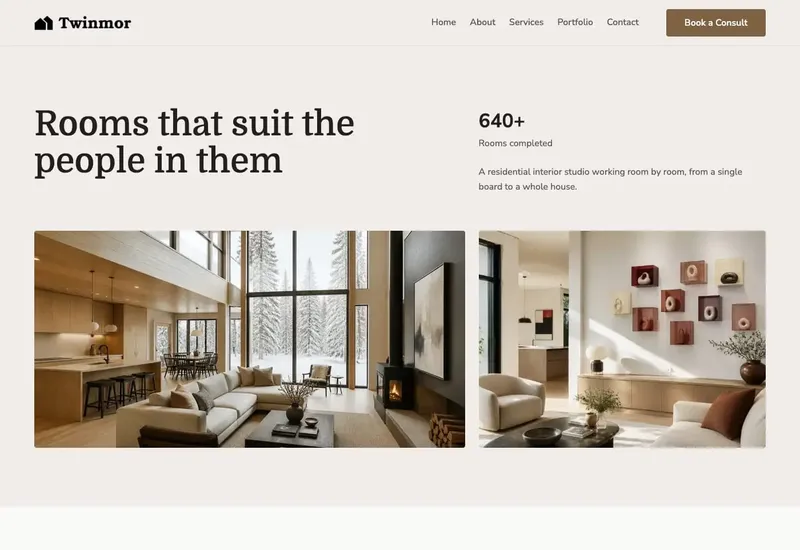
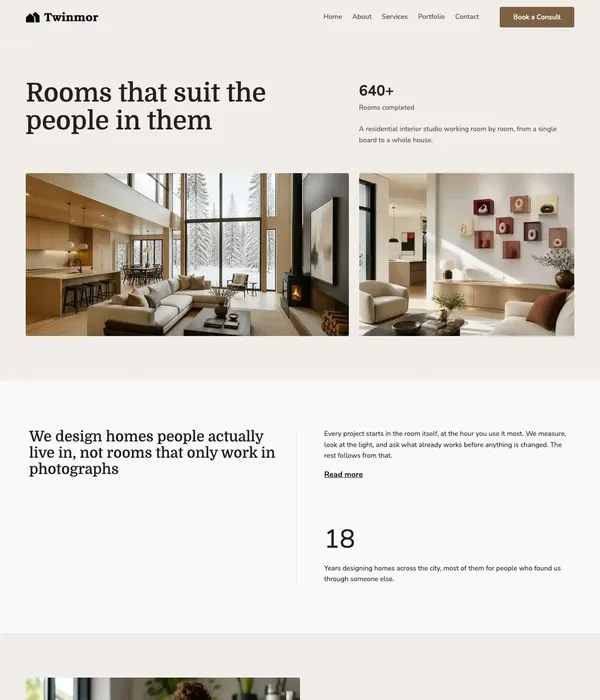
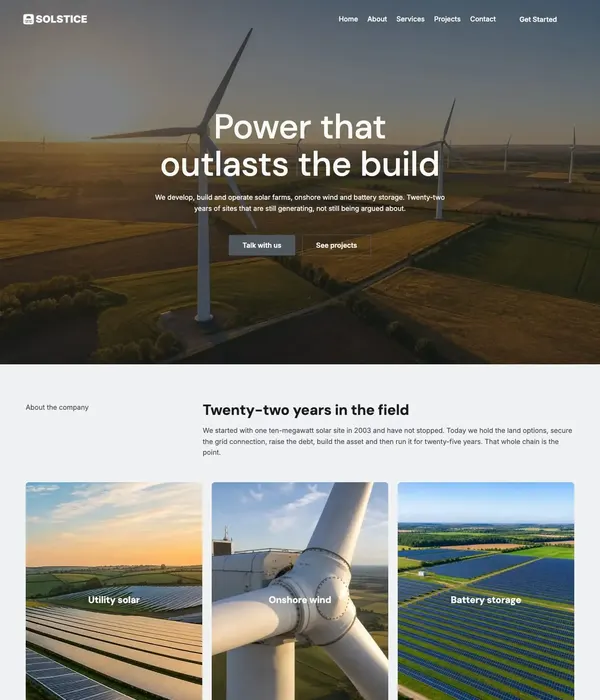
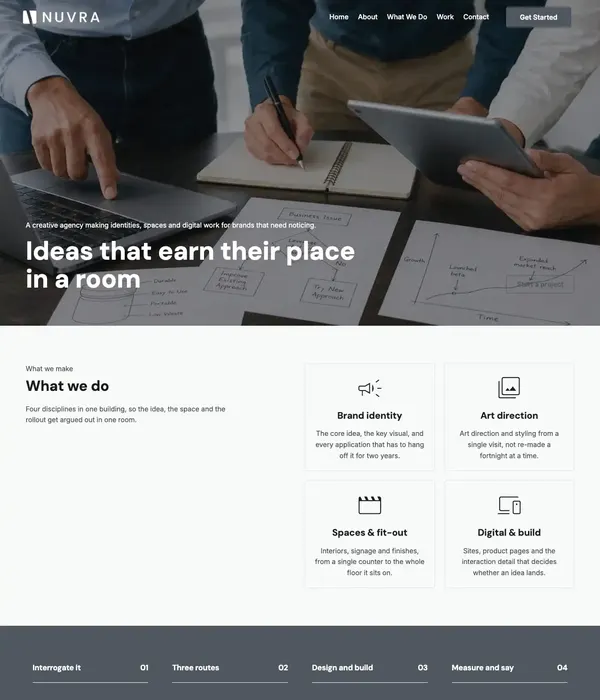
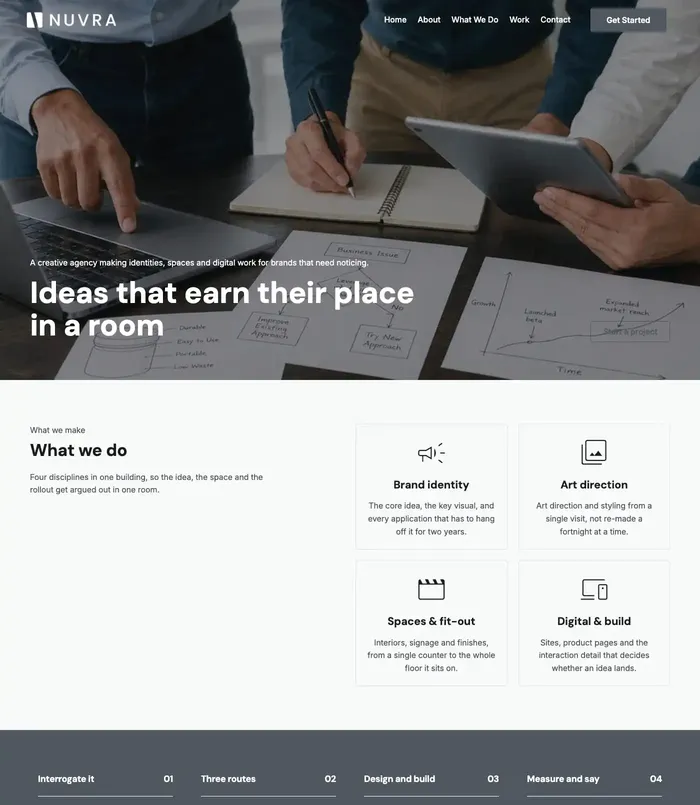
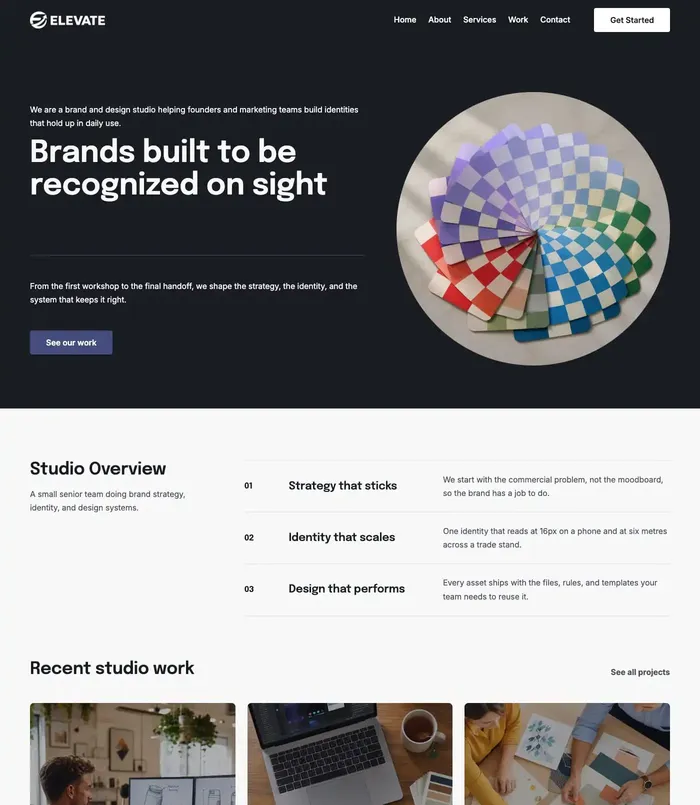
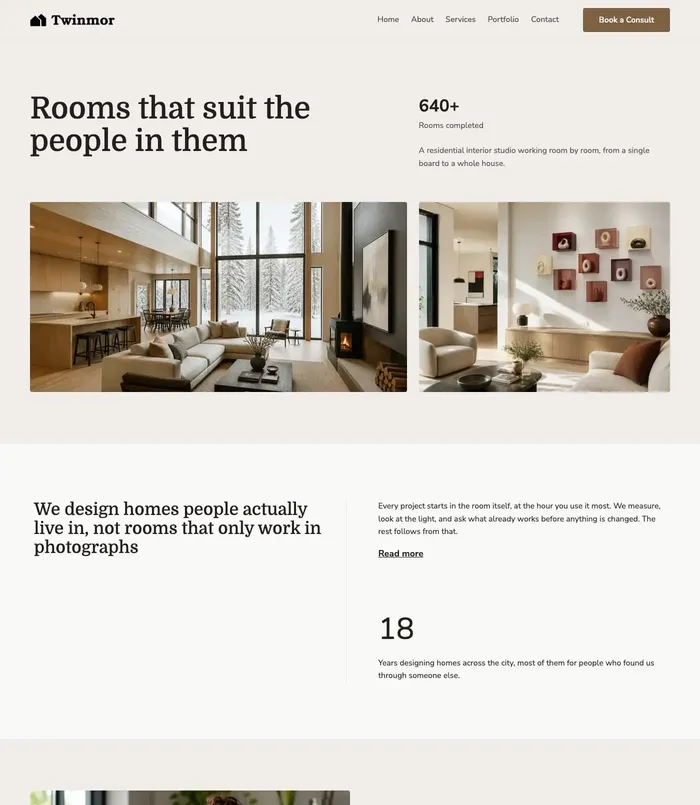
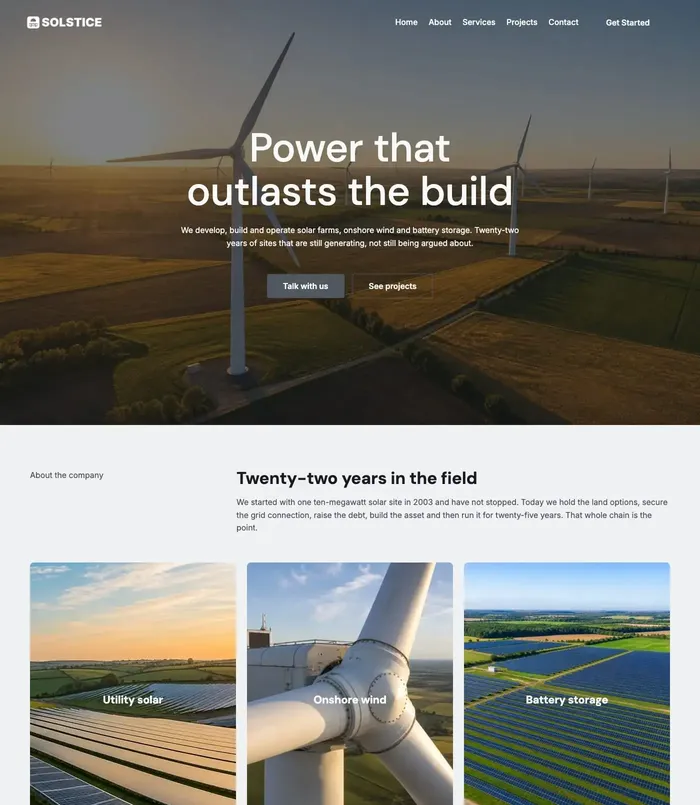
Professional WordPress sites, launched in minutes.
Import a complete starter site (pages, images, menus, templates, forms and styles), then make it yours in the Site Editor. Built with native WordPress blocks.
Starter sites, a design library, a style library and a block theme, designed to work together inside the WordPress Site Editor.
Starter Sites
Import a complete website with a guided wizard: pages, images, menus, templates and template parts, patterns, and the site’s colours, fonts and spacing. Contact forms arrive complete, and any plugin a demo needs comes from WordPress.org, with your permission.
Choose a starter site and the wizard walks you through it.
Check
Your site is checked before anything changes.
Choose
See what gets imported and which plugins the site needs before you start.
Import
Watch the progress as your new site is built.
Make it yours
Edit your pages, colours, fonts and menus in the Site Editor.
Design Library
A full design library, inside the editor.
Open the library from the block editor. Live previews are drawn from the real block markup, so what you see is what you insert.
Images copied into your media library on insert, never hot-linked
Written in an industry-neutral way, so patterns fit any business
Search and filter by type, or star your favourites
Patterns
Ready-made sections: heroes, services, pricing, teams, testimonials and more. Search them and filter by type.
Whole pages
Complete pages from every starter site. Pick any page and insert it whole.
Favourites
Star the patterns you use most and find them again in one place.
Style Library
One click. A whole new look.
Colours, typography, font sizes, spacing, border radius and layout widths change together, and your content is not touched. Try a few styles on this card.
Your BusinessServicesAboutContact
Elevate
Good work, clearly presented.
Every heading, colour and corner on this card comes from one style. Switch it and the whole card follows.
Get startedLearn more
EpilogueInter
Fonts on your own site
Importing a style downloads its font files into your uploads folder, so they load from your own site.
Keep the ones you like
Save the styles you like, switch between them any time, and remove fonts you no longer need.
Reset any time
Go back to the theme’s own look whenever you want. Importing a starter site applies its matching style.
The theme
PageCore FSE, a free block theme.
A full-site-editing theme on the WordPress.org theme directory, built only with native blocks. PageCore installs and activates it for you with one button.
Templates for pages, single posts, blog index, archives, search, comments and 404
A “Page No Title” template for pages that start with their own hero
Built-in patterns, plus colour, typography, section and block style variations
Activating it creates no pages and changes no settings
Importing a demo should never be a gamble. PageCore keeps a record of what each import creates and changes, shows you what a new import will replace, and never deletes content it did not import.
Only removes what it imported
When a new starter site replaces the old one, PageCore deletes only what the old one created and puts back what it changed: your Styles and site settings. Content you made is never deleted.
Know before you replace
A site holds one starter site at a time. Before a new one replaces it, the wizard lists exactly what goes and waits for you to tick “I agree”.
Resumable imports
Live progress with a Stop button. If an import is interrupted, pick it up again where it stopped.
SVGs sanitised
Every imported SVG is rebuilt from a safe allowlist. Scripts, event handlers, embedded HTML and external references are removed.
Get PageCore
Start building for free.
Download PageCore free from WordPress.org and import your first starter site today.
Starter Sites
Complete starter sites, imported with a guided wizard
Plugins, forms and images set up for you
Live previews and resumable imports
Design Library
Ready-made patterns for every kind of section
Whole pages from every starter site
Favourites, with search
Style Library
Whole-site styles, applied in one click
Fonts downloaded to your own site
Switch styles or reset any time
PageCore
Free
The PageCore plugin and the PageCore FSE theme, on WordPress.org.
From a fresh WordPress install to a finished site.
Install the plugin
Add PageCore from the WordPress plugin directory and activate it.
Add the theme
PageCore installs and activates the free PageCore FSE theme for you from WordPress.org.
Choose your tools
Switch on the parts of PageCore you want to use.
Import a starter site
Preview the starter sites, pick one and follow the wizard.
Make it yours
Add patterns and pages from the design library, and restyle the site in one click.
Change your mind later
Import a different starter site and it replaces the first one, putting back what the first one changed. Your own content stays.
FAQ
Questions, answered plainly
What does PageCore need to run?
A current WordPress site. The exact WordPress and PHP versions are listed on the PageCore page on WordPress.org.
Do I need the PageCore FSE theme?
Some modules need it to be active. PageCore can install and activate it for you from WordPress.org.
Can I remove a starter site after importing it?
Not with one click. Importing another starter site replaces it: what the old one created is deleted and what it changed is put back. To remove it with nothing in its place, delete PageCore with Remove Data on Delete switched on. If an import is stopped or fails, the wizard offers “Remove what was imported”. Content you made is never deleted.
What if I import a second starter site?
A site holds one starter site at a time, so the new one replaces the first. Before anything happens, the wizard lists exactly what goes: its pages, posts, images, templates, menus and contact forms, with the comments and messages that belong to them. The import starts only after you tick “I agree”.
Where does contact form mail go?
Always to your site’s own admin address, never to an address the demo set.
Are SVG files from a demo safe?
Every SVG is rebuilt from an allowlist of safe elements and attributes. Scripts, event handlers, embedded HTML and external references are removed.
Your next site is one import away.
Install PageCore, pick a starter site and make it yours in the Site Editor.